

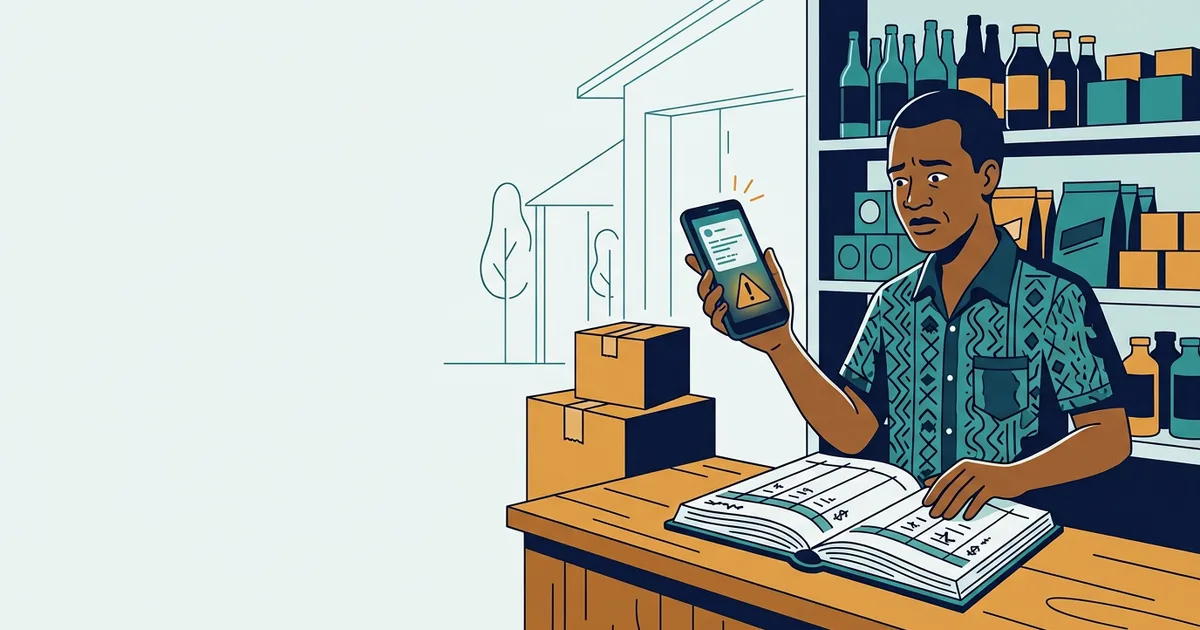
A customer sends a screenshot. It has your MoMo number, the amount, the time, and the familiar layout of a real alert. You hand over the goods. Later that evening you check your wallet and the money was never there.
This happens to Ghanaian businesses every week, and the screenshot is the least sophisticated part of it. Anyone can edit text on a phone. The fraud works not because it is clever, but because releasing goods feels rude to delay, and because most shops have no rule for when to check.
This article is that rule.
1. The short answer
A screenshot is not a payment; it is a claim about a payment. Before releasing goods, open your
own wallet and confirm the money arrived — on MTN, dial *170# → My Wallet → Transaction
History. Check the amount, the sender’s name and the time. If it is not in your wallet, it did not
happen, whatever the picture shows. Write this rule down where your staff can see it.
| Check | What you are looking for |
|---|---|
| Your wallet history | The transaction appears, dated today, for the exact amount |
| Sender name | Matches the person standing in front of you |
| Transaction ID | Recorded against the invoice |
| Timing | Logged within about a minute of the claimed transfer |
| No pressure | Nobody is rushing you or threatening to walk |
2. Why a spoofed alert is easy to fake
A fraudulent alert does not need access to your account. The sender simply sends a message that looks like a bank or telco notification.
Genuine alerts come from short sender IDs: MTN on 170, Telecel on 181, AirtelTigo on 155. A message from a 10-digit phone number, or from a look-alike sender such as “MTN-GH” or “MobileMoney”, is not from the network 1.
No telco, bank or government agency will ever ask for your PIN by phone. If someone does, end the call and dial the official number yourself.
3. Five checks before you hand anything over
Make this a physical routine, not a memory test.
- Open your wallet yourself. On MTN,
*170#→ My Wallet → Transaction History. A real transfer appears almost immediately; if it is not there within a minute or two, it did not happen 3. - Match the amount exactly. Fraudsters send the right amount with the wrong name, or the right name with a figure that is GH₵20 short.
- Match the sender’s name. The name in your wallet is the name that matters — not the name on the screenshot.
- Check the date and time. An alert “from this morning” that is really from yesterday is a common trick at busy counters.
- Record the transaction ID against the invoice before the goods leave.
If any one of the five fails, the goods stay.
4. The pressure script — and how to answer it
The fraud rarely works on the screenshot alone. It works on what follows.
“I have sent it, check your phone. I am in a hurry — my driver is waiting.”
“Are you saying I am a thief? I have been buying from you for years.”
“If you cannot check now, let me take the goods and you confirm later.”
Each of these is designed to make verification feel like an insult. It is not.
A sentence that works:
I am sure it is fine. Our rule is that every payment is confirmed in our wallet before goods leave — for every customer, including the ones we have known for years. One minute.
A real customer will wait sixty seconds. A fraudster will not, and that is useful information.
5. Legitimate reversals: the real process
A related scam: someone claims to have transferred to you by mistake and asks you to “reverse” it using a USSD code they dictate, or to send the money back to a different number.
Reversals go through the operator’s official channels — never through a code a stranger recites to you, and never to a different number than the one that sent 1. If someone genuinely transferred to you in error, tell them to report it through their network. You do not need to do anything on the spot, and you should not.
6. The first hour after fraud
Speed genuinely matters here.
Within minutes:
- MTN: dial 100 (free, 24 hours) to report unauthorised transactions; the dedicated fraud shortcode is 419. From another network, the MTN line is +233 244 300 000 5.
- In-app:
*170#→ My Wallet → Report Fraud, then follow the prompts 4. - Telecel: 181. AirtelTigo: 155.
Within the hour:
- Screenshot everything — the alert, the sender’s number, the conversation
- Write down the timeline while it is fresh
- Email the network’s fraud address with the evidence
Within 24 hours:
- Report to the police and obtain a reference number
- Escalate to the Cyber Security Authority (
cert@csa.gov.gh) if the network does not resolve it 1
Confirm current procedures with your own network before you rely on them — shortcodes and processes change.
7. Write the rule down
The point of a verification routine is that it survives a busy Saturday when you are not there.
A notice behind the counter works better than a verbal instruction:
No goods leave without a confirmed payment in our wallet. Check: amount · sender name · time · transaction ID recorded.
Add one line to every invoice: Goods released on confirmed payment only. It removes the awkwardness from the conversation, because the rule is no longer personal.
8. Frequently asked questions
How do I know if a MoMo alert is fake? Check your own wallet. A genuine transfer appears in your transaction history within about a minute. If it is only on someone else’s screen and not in your wallet, treat it as unpaid.
Can a screenshot be faked? Yes, easily. Treat any forwarded screenshot as a claim, not proof — including screenshots that look perfectly formatted.
What is the MTN fraud number? MTN Ghana promotes 419 as its fraud shortcode, with 100 as the 24-hour line for unauthorised transactions 5. Verify on MTN’s own channels before relying on it.
Someone sent money to me by mistake and wants it back. What should I do? Ask them to report it through their network. Do not run USSD codes they dictate and do not send money to a different number.
Should I still take MoMo payments? Yes — it is how most Ghanaian customers pay, and refusing it costs more than it saves. Take them with a verification habit.
Can E Light Services help with this? Yes: payment verification steps written into your order process, invoice and receipt templates with transaction IDs, and a weekly reconciliation routine.
Ready to tighten how payments are handled?
E Light Services builds the practical version of this: invoice and receipt templates with transaction IDs, an order tracker that ties payments to jobs, and a weekly reconciliation habit that catches the gaps.
Please note
E Light Services is an independent technology consultancy, not a telecom operator or bank. We cannot verify, reverse, trace or recover any Mobile Money transaction. Procedures and shortcodes change — always confirm the current process with your own network, and report fraud to the operator and the police directly.