

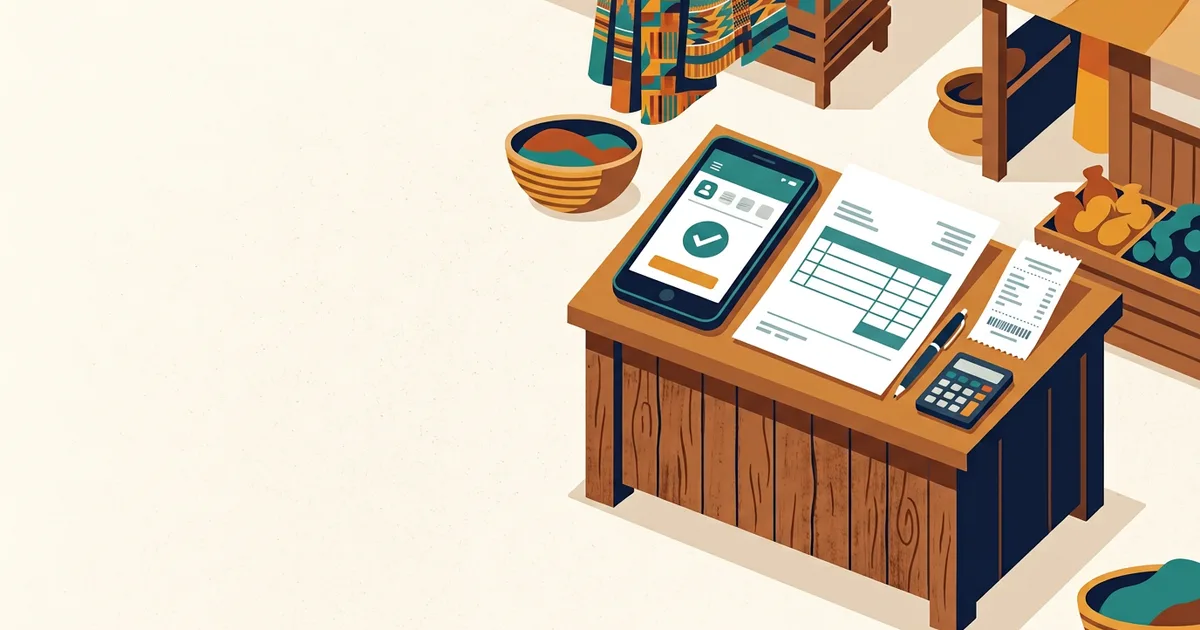
Getting paid on Mobile Money is the easy part. The part that loses Ghanaian businesses money is everything after it: proving what a payment was for, knowing who still owes a balance, and having something to show when a customer says “but I already paid.”
A tailor in Lapaz finishes a job and sends her MoMo number. Money arrives. Two weeks later the customer insists the GH₵400 covered a second outfit as well. Nobody wrote anything down, so nobody can prove anything, and the argument is decided by whoever is more stubborn.
This article is about the small system that prevents that — invoices before payment, receipts after it, and the MoMo reference that joins the two together.
1. The short answer
An invoice asks for money; a receipt proves it arrived. For MoMo businesses the link between them is the transaction reference. Keep four things: a numbered invoice sent before payment, the MoMo transaction ID recorded on that invoice, a receipt issued after the money lands, and one place — a spreadsheet or tracker — where all three are written down. That is the whole system.
| Document | When | Purpose |
|---|---|---|
| Quotation | Before agreement | Sets the price and scope so there is no surprise |
| Invoice | Before or at payment | Requests a specific amount, with a number and a due date |
| Receipt | After payment | Proves the money arrived, and what it was for |
| Statement | Ongoing | Shows everything a customer has been invoiced and paid |
Most small businesses only do the middle step badly — or skip it entirely and send a MoMo number in a WhatsApp message.
2. What every Ghanaian invoice should contain
Not a fancy design. These fields:
- Your business name, phone and location (or digital address)
- Customer’s name and phone number — the phone matters, because it is how you match a MoMo payment
- A unique invoice number — sequential:
INV-0001,INV-0002. This is what you quote when chasing payment - Date issued, and a due date
- Itemised list — what was supplied, quantity, unit price, line total
- Subtotal, any VAT, and the total payable
- Payment terms — deposit percentage, balance before delivery, or payment on delivery
- Your MoMo details — the account name as customers see it, and the number
- Your TIN, if your business is registered for VAT
Two fields do the most work: the invoice number and the customer’s phone number. Together they let you match any incoming MoMo payment to a specific job, weeks later, without relying on memory.
3. Recording MoMo payments so they can be matched later
A payment notification is not a record. Notifications get deleted, scroll away in WhatsApp, and do not say what the money was for.
For every payment, capture:
- The transaction ID — the reference in the confirmation message
- The sender’s name and number as shown in the wallet
- The amount
- The date and time
- Which invoice it settles — full payment, deposit, or part payment
Write these onto the invoice row itself. A screenshot in a phone gallery is not a filing system; a row in a spreadsheet is.
Verify before you release goods. A forwarded screenshot proves nothing on its own — check the
payment in your own wallet’s transaction history (on MTN, *170# → My Wallet → Transaction
History) and confirm the amount, sender and time before handing anything over. If something looks
wrong, MTN’s fraud shortcode is 419, and 100 is the 24-hour line for unauthorised
transactions. Confirm current procedures with your network before relying on them.
4. A system that actually gets used
Four steps, in order. Anything more elaborate gets abandoned by week three.
Step 1 — One template. A quotation/invoice template in Google Sheets or Word, with your name, logo space, phone and MoMo details already in place. Reuse it every time; only the line items change.
Step 2 — Save as PDF. Send a PDF, not a photo of a screen and not an editable document. A PDF looks professional, cannot be quietly altered by the recipient, and opens on any phone.
Step 3 — Send it on WhatsApp, in the same thread as the job. One conversation per customer, containing the quotation, the invoice, the payment confirmation and the receipt. When there is a dispute, the whole history is in one place.
Step 4 — One tracker row per invoice. Number, customer, phone, amount, deposit paid, balance, promised delivery date, status. The tracker is what tells you who owes you money on a Friday afternoon — not your memory.
That last step is the one most businesses skip, and it is the one that recovers money. If you have not built it yet, Simple Record-Keeping Systems for Tailors, Shops and Service Businesses walks through the minimum registers to keep.
5. Deposits, balances and delivery
Payment disputes usually start at the beginning, not the end.
- Agree the split in writing before work starts — 50/50 or 60/40 is normal for custom work
- Take the deposit before you buy materials or start cutting
- State clearly that the balance is due before delivery, and say it on the quotation, not for the first time at the door
- Issue a receipt for each payment, not only the final one
- Never release goods on a screenshot — release on a payment you have verified in your own wallet
The point of a deposit is not only cash flow. It is proof that the customer agreed to the price.
6. When a PDF is not enough: GRA e-VAT
This section matters if your business is VAT-registered, and it is where many Ghanaian businesses are caught out.
Ghana’s e-VAT system is a clearance model. Once a VAT-registered business is onboarded, invoices must be issued through a Certified Invoicing System connected to the Ghana Revenue Authority, and the invoice is not a valid VAT invoice until GRA has cleared it and returned a clearance number, digital signature and QR code. A neatly formatted PDF produced from a spreadsheet is not a valid VAT invoice after onboarding, however professional it looks 4.
On the registration threshold, the published sources disagree, and you should verify rather than trust any single page — including this one. Several guides still quote the old GH₵200,000 turnover threshold, while the Value Added Tax Act, 2025 (Act 1151) — in force from 1 January 2026 — raised the threshold for suppliers of goods to GH₵750,000 and set a combined 20% charge (15% VAT + 2.5% NHIL + 2.5% GETFund) 1, 5. Confirm your own position with GRA or a qualified accountant before you rely on either figure.
Practical rule: if your business is VAT-registered, ask your software provider one question — is this a Certified Invoicing System that connects to GRA? If the answer is no, it cannot issue valid VAT invoices once you are onboarded, whatever else it does.
7. Five mistakes that cost money
- No invoice numbers. Without them you cannot chase a balance or prove what was agreed.
- Sending a MoMo number instead of an invoice. No amount, no scope, no terms — and nothing to point at later.
- Receipt without an invoice. A receipt proves money moved; only the invoice says what it was for.
- No reconciliation. Unmatched payments are how balances quietly disappear. Reconcile weekly, on the same day, against your wallet history.
- Using a personal wallet for business. Mixing the two makes both the records and the tax position harder to untangle later.
8. Frequently asked questions
Do I need to issue an invoice for every MoMo payment? If you want to be able to prove what a payment was for, yes. It can be a simple numbered PDF — the format matters far less than the habit of issuing one every time.
What is the difference between an invoice and a receipt? An invoice requests payment; a receipt confirms it was received. You send the invoice first and the receipt after the money lands.
Is a MoMo SMS confirmation enough proof of payment? It is evidence that a transaction happened, but a forwarded screenshot can be faked. Confirm in your own wallet history, and record the transaction ID against the invoice.
How do I invoice a customer who pays in instalments? Issue one invoice for the full amount and record each payment against it, issuing a receipt per payment and showing the balance remaining each time.
Can I just use Excel or Google Sheets? Yes, for most micro and small businesses. Spreadsheets stop being enough when you need GRA e-VAT clearance, several people updating records at once, or automated reminders.
Does E Light Services build invoicing systems? Yes — from templates and trackers up to full quotation and order workflows. See the options below.
Ready to put your invoicing in order?
E Light Services sets up the practical version of this: invoice and quotation templates, a tracker that matches MoMo payments to invoices, and the weekly reconciliation habit that makes it stick.
Invoice and quotation templates are included in the SME Digital Starter Kit (GH₵1,500), and Business Systems Setup (GH₵2,000 flat) adds the enquiry form, lead and quotation tracker and follow-up templates. Full scope is on the pricing page.
Please note
This article is general guidance, not tax or legal advice. Tax rules change, and the figures quoted here are drawn from published sources that do not fully agree — verify your own position with the Ghana Revenue Authority or a qualified accountant before acting. E Light Services is an independent consultancy, not a telecom operator, and cannot reverse, trace or guarantee any Mobile Money transaction. Confirm current procedures with your network.